Building with GPUI
 Viktor·
The weirdest way to learn Rust
As I mentioned in my previous post, Ophelia was originally going to use Tauri as its framework. But while looking for good projects to read source code from, I had a thought: "Wait, my IDE (Zed) is built entirely in Rust with a proprietary UI library."
I actually tried contributing to Zed before! As you can see in this PR — which will hopefully get merged, or make me look like a dumbass.
The reason I never thought of using GPUI in the first place was because I was (reasonably) scared of
building a UI in a low-level library. If you've ever worked with SDL, GTK, or Qt from C or C++, you
know how verbose and tedious they are. But after reading through the GPUI source,
I was surprised to find that the API is modeled almost exactly after Tailwind. Layout is done with .flex(),
.items_center(), .gap_3(), .p_4(), so just underscores instead of dashes. And you know who
uses Tailwind? Yours truly. The original Tauri frontend was built with it.
So I started rebuilding the UI from scratch in GPUI. Wow, this backend will never get built, huh?
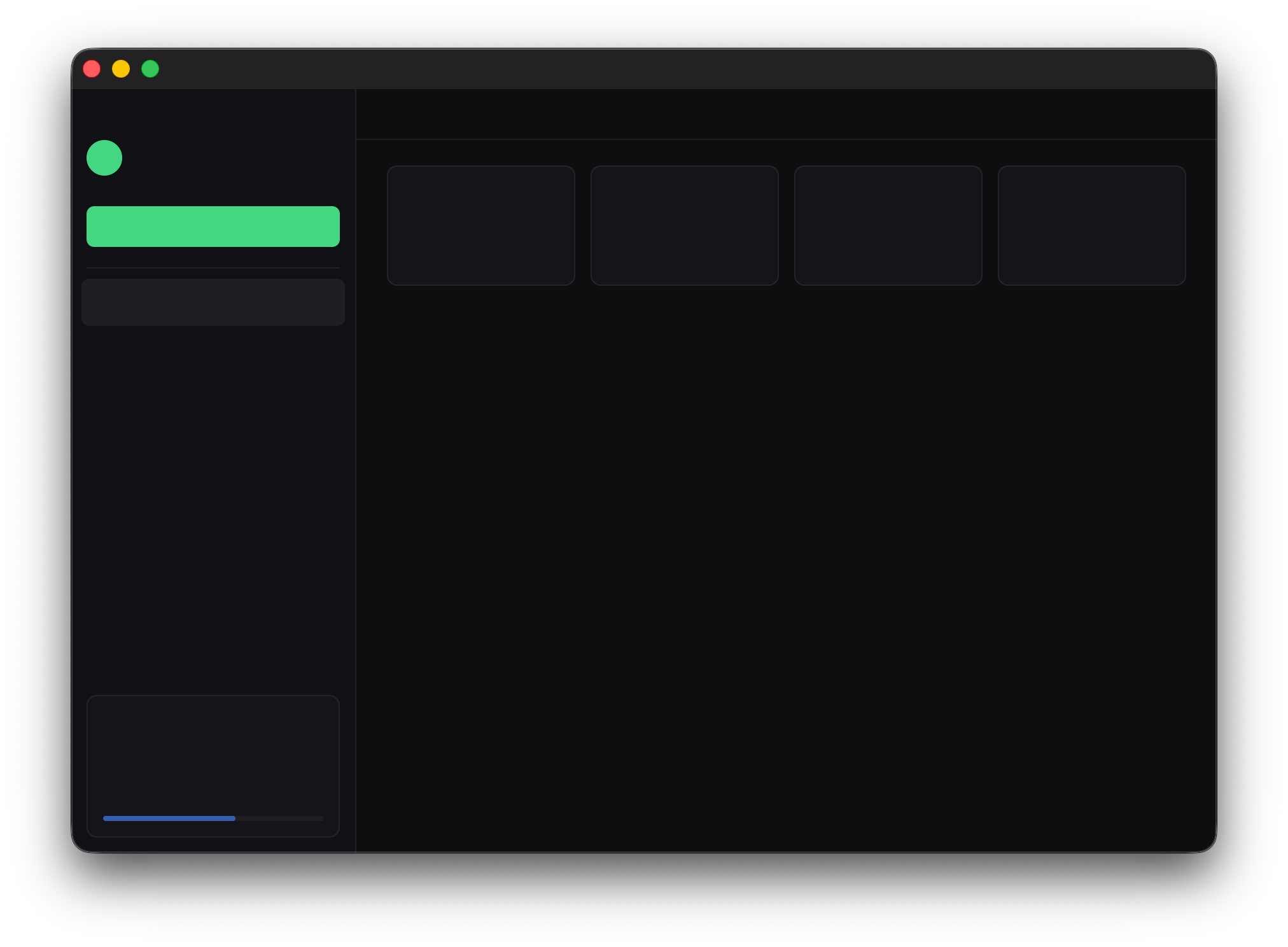
The other thing I noticed is that GPUI uses a component model similar to Vue. You have stateful views
(Render) that hold data and get re-rendered when state changes, and stateless components
(RenderOnce) that are just functions from data to UI elements. If you've used Vue or React,
the mental model transfers pretty cleanly.
Drawing the logo
I also wanted to render the Ophelia logo natively in GPUI instead of loading an SVG file. partly for interactivity (hover states, animations tied to download state), partly because I enjoy unnecessary detours.
The logo is two off-center circles with an evenodd fill, plus a small dot:
Outer ring:  center (12, 12)  r = 9
Inner cutout: center (15, 12)  r = 7.5   ← shifted 3px right
Dot:          center (15, 12)  r = 1.5
The offset is what makes it interesting. Because the inner circle's center is shifted right, the
ring is thicker on the left and thinner on the right. And because r_inner + d > r_outer
(7.5 + 3 = 10.5 > 9), the inner circle actually extends 1.5 units past the outer circle on the
right (to x = 22.5 vs x = 21). With the evenodd fill rule, that overhang gets filled it's the
little crescent that sticks out on the right side of the logo (it looks a lil ominous I know)
The evenodd rule is simple: a point is filled if it's inside an odd number of shapes. So:
| Region | Inside shapes | Filled? |
|---|---|---|
| Outside both | 0 | no |
| Inside outer only | 1 | yes (the ring) |
| Inside both | 2 | no (the hole) |
| Inside inner only (right overhang) | 1 | yes (the crescent) |
My first attempt used GPUI's Path API directly, which only has curve_to, a quadratic bezier.
Quadratic bezier circles are a known approximation: you split the circle into 4 arcs of 90° each and
use the corner of the bounding box as the control point. The midpoint of each arc ends up at distance
r√(0.75² + 0.75²) ≈ 1.06r from the center instead of r, so you get about 6% outward bulge per
segment. Noticeable at small sizes, and it made the evenodd winding trick unreliable.
The fix was PathBuilder, which wraps Lyon's SVG path tessellator and has proper arc_to support
and FillRule::EvenOdd. The SVG path for the ring is:
M12 3 A9 9 0 1 0 12 21 A9 9 0 1 0 12 3 Z
M15 4.5 A7.5 7.5 0 1 0 15 19.5 A7.5 7.5 0 1 0 15 4.5 Z
And the GPUI translation is nearly identical; two subpaths, each drawn as a pair of 180° arcs, with the fill rule set to evenodd before tessellation:
let mut builder = PathBuilder::fill().with_style(PathStyle::Fill(
    FillOptions::default().with_fill_rule(FillRule::EvenOdd),
));
builder.scale(scale);
builder.translate(point(px(ox), px(oy)));

// outer circle
builder.move_to(point(px(21.0), px(12.0)));
builder.arc_to(point(px(9.0), px(9.0)), px(0.0), false, false, point(px(3.0), px(12.0)));
builder.arc_to(point(px(9.0), px(9.0)), px(0.0), false, false, point(px(21.0), px(12.0)));
builder.close();

// inner circle (offset right and overlap becomes hole, overhang becomes crescent)
builder.move_to(point(px(22.5), px(12.0)));
builder.arc_to(point(px(7.5), px(7.5)), px(0.0), false, false, point(px(7.5), px(12.0)));
builder.arc_to(point(px(7.5), px(7.5)), px(0.0), false, false, point(px(22.5), px(12.0)));
builder.close();
PathBuilder tessellates this into a triangle mesh at build
time, with the evenodd rule baked in.
By the time window.paint_path() sees it, it's just triangles, so
no fill rule evaluation at render time.
The scale + translate transform is applied during
tessellation too, so the coordinates stay in the clean
24×24 SVG space until the last moment.